Unlocking Text Trapped Inside Images and Physical Documents
For centuries, the vast majority of human knowledge existed solely on physical paper, archival microfilms, and printed books. Even in our modern digital era, critical data remains trapped inside scanned PDF contracts, conference whiteboard photos, smartphone receipts, and non-selectable image formats.
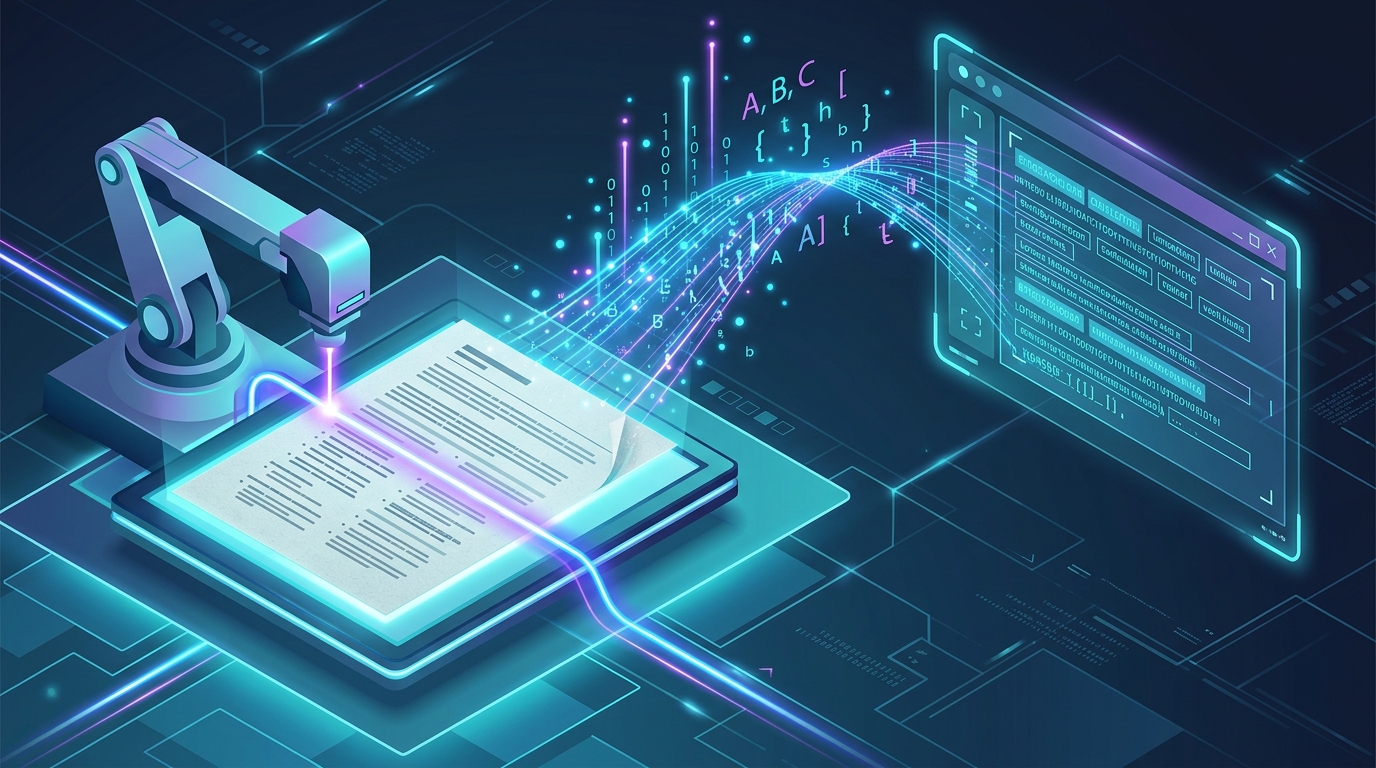
Optical Character Recognition (OCR) is the transformative bridge between physical documentation and digital text manipulation. Powered by machine learning and computer vision, OCR algorithms analyze light and dark pixel patterns to reconstruct characters into machine-readable, editable text strings.
1. How Modern Neural OCR Algorithms Function
Traditional legacy OCR relied on rigid matrix matching that easily failed when encountering skewed angles or custom fonts. Contemporary OCR systems employ deep Convolutional Neural Networks (CNNs) that recognize glyphs based on spatial relationships and contextual language models.
- Preprocessing & Binarization: The image is converted to high-contrast monochrome, correcting distortion, shadows, and perspective tilt.
- Feature Extraction: Neural networks identify character strokes, loops, descenders, and accents.
- Contextual Language Verification: Language models evaluate surrounding words to differentiate ambiguous characters (e.g., distinguishing the digit
0from uppercase letterO).
2. Transformative Applications Across Key Sectors
The practical utility of instantaneous image-to-text extraction is immense:
- Academic & Historical Research: Digitizing ancient manuscripts and centuries-old gazettes into fully searchable digital repositories.
- Legal Discovery: Transforming thousands of scanned discovery pages into searchable, copyable documents.
- Mobile Productivity: Snapping a photograph of a printed contract or textbook page and pasting the extracted text directly into an online rich text editor.
3. Seamless Workflow from Image to Formatted Copy
Once text is extracted via OCR, it often requires cleanup to remove artifact line breaks and column splits. Pasting the extracted output into an online text suite allows you to reformat headings, check character counts, and export to PDF or Word documents instantly.